Show day
Run the stage. Every phone keeps up.
The stage, the MC and backstage in step, live for every family.
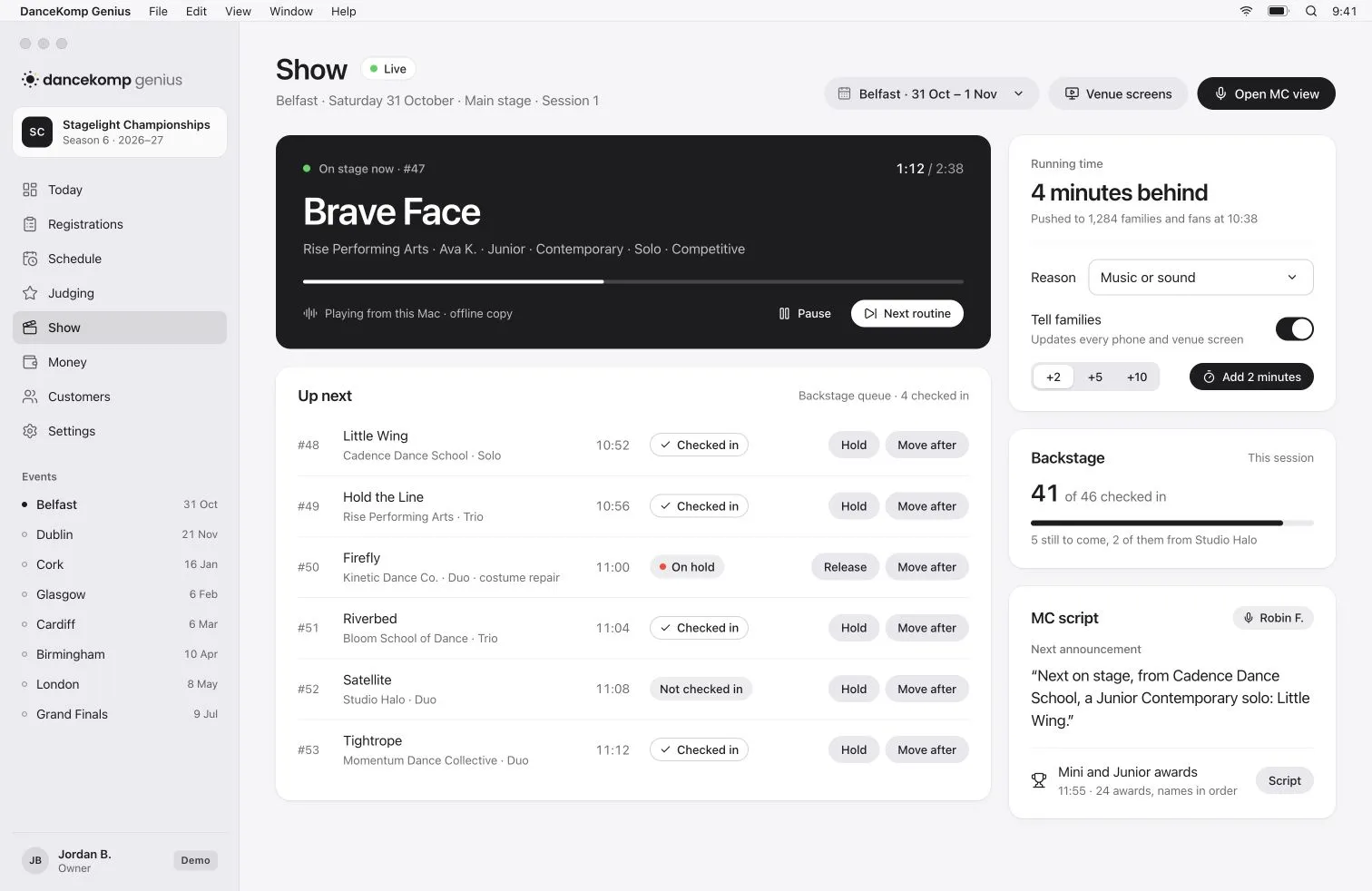

Stage manager
Hold, move, go.
The order keeps up.
Hold a routine, move it after the next or add a delay, and the running order updates for everyone.
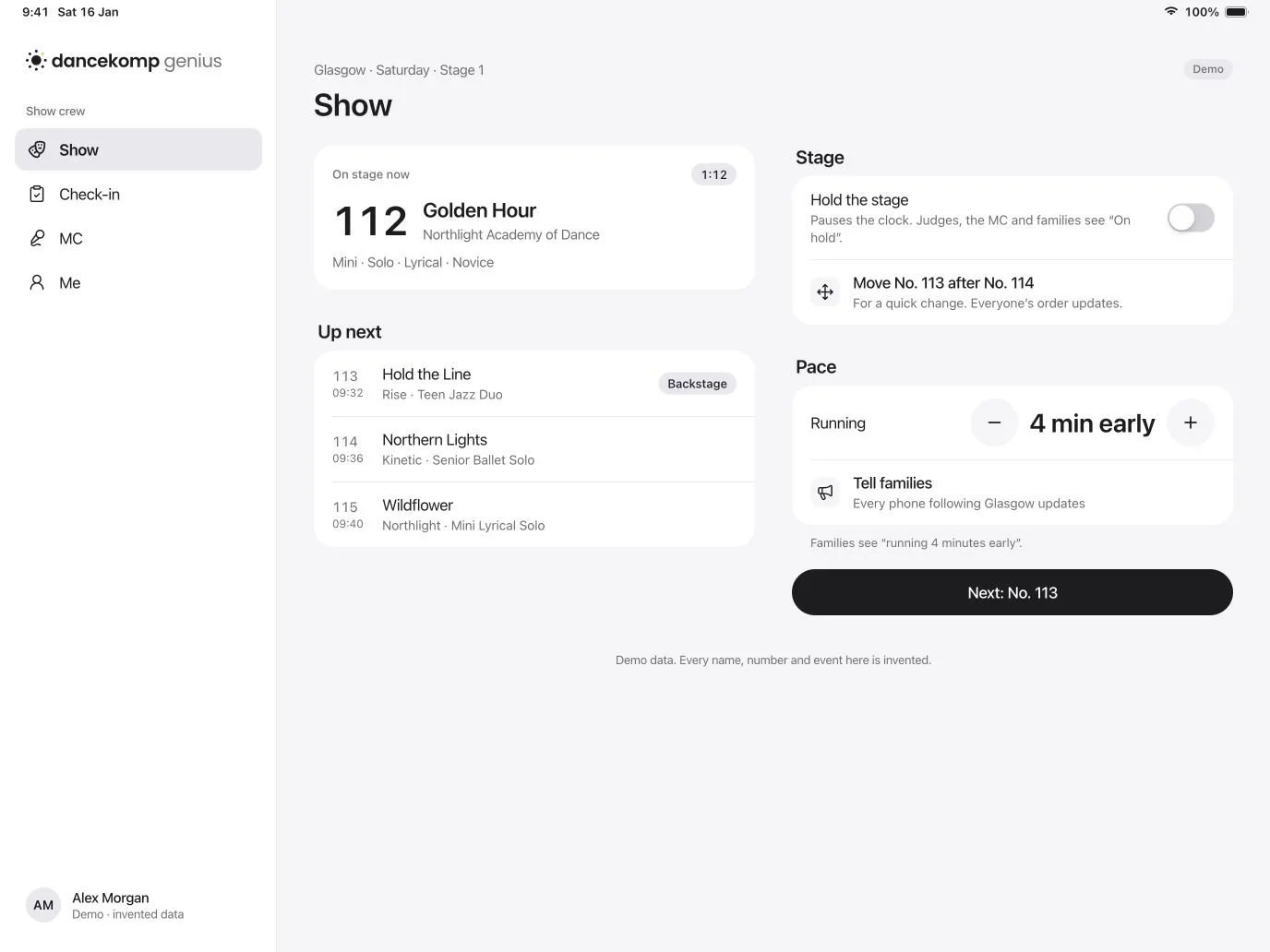

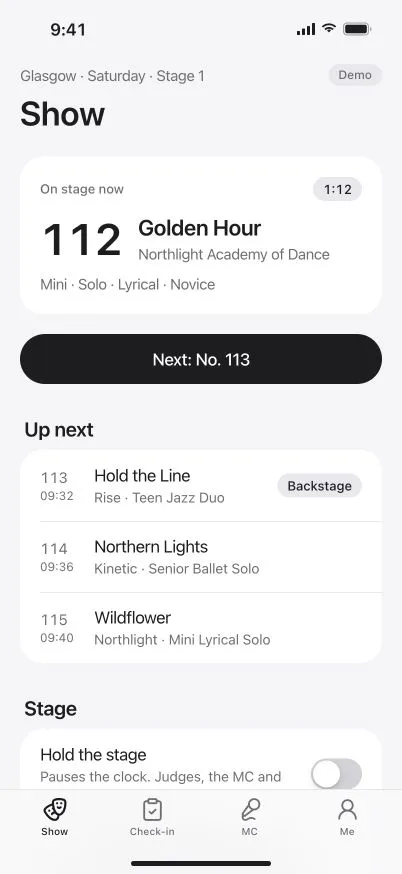

Families
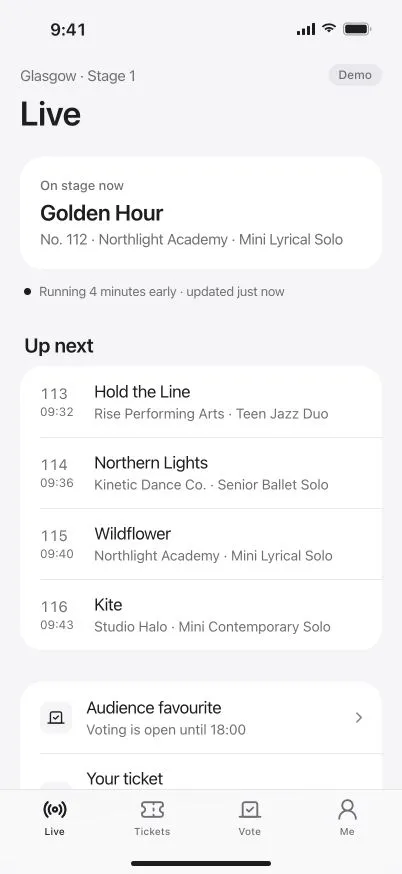
Running late?
They already know.
Every family following a dancer sees the new time on their phone, with a nudge before they’re on.
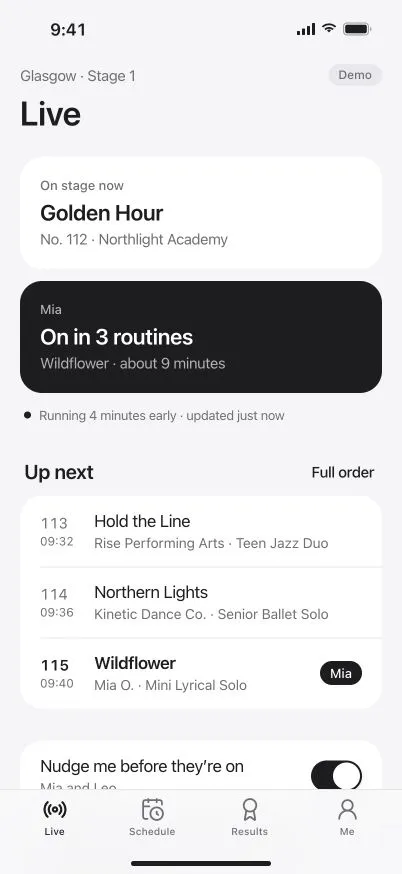
MC and backstage
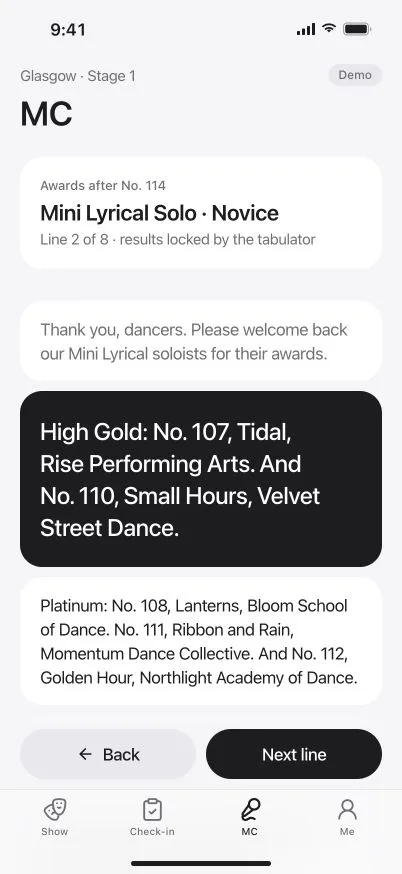
Scripts for the MC.
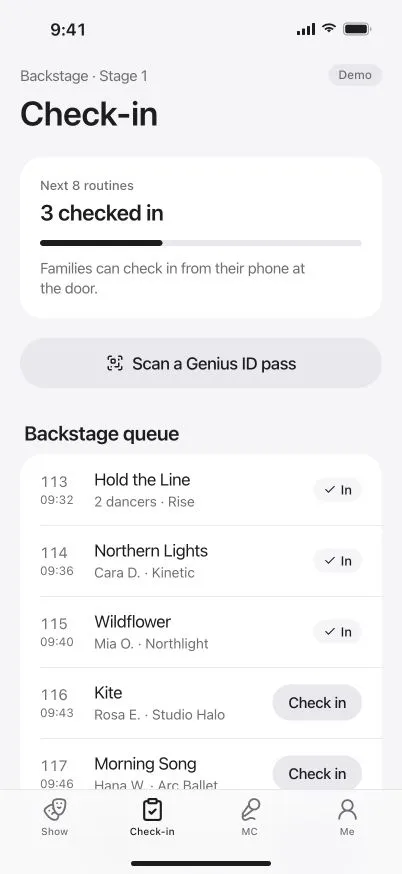
A queue for backstage.
The MC reads each announcement and the awards in order, while backstage checks routines in.
-
Every name said right
The MC’s script carries how to say each name, so every dancer hears theirs.
-
Check-in at the door
Families can check their dancer in from their phone as they arrive.
-
Awards in order
The awards script follows the results as each section is released.
Built for the long day
Calm at the side of the stage.
-
Works when the Wi-Fi doesn’t
Show control and judging keep working offline and sync when the connection returns.
-
The pace, live
See whether you’re running early or late, and tell families in one tap.
-
Holds with a reason
A costume repair, first aid or a stage reset: every hold and delay says why.
-
A role for everyone
The stage manager, the MC and backstage each see the screen their job needs.
-
The devices you have
Run it on a Mac at the tech desk, an iPad in the wings or a phone in your pocket.
-
Free for your crew
Crew and judges use DanceKomp Genius free, each with their own Genius ID.
Questions
Does it keep working if the venue Wi-Fi drops?
Who can change the running order on the day?
How do families find out about a delay?
Does our crew pay for the app?
A calmer show day starts here.
Book a demo, or create your organiser Genius ID and start today.