Get started Sign in

Already have a Genius ID? Sign in

For show crew

The whole crew, on the same page.

Stage, backstage and the MC, in step all day.

No Windows laptop needed.
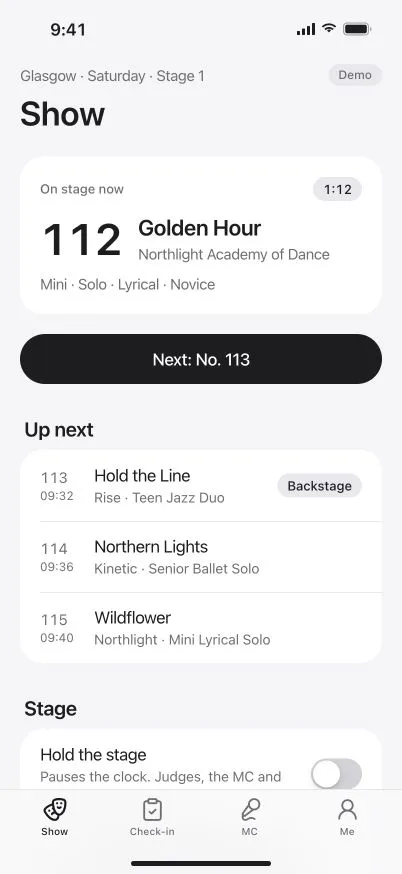
DanceKomp Genius on iPhone: the stage manager’s Show tab for Glasgow, Stage 1: Golden Hour on stage with its timer, Next: No. 113, and the routines up next. Demo data.
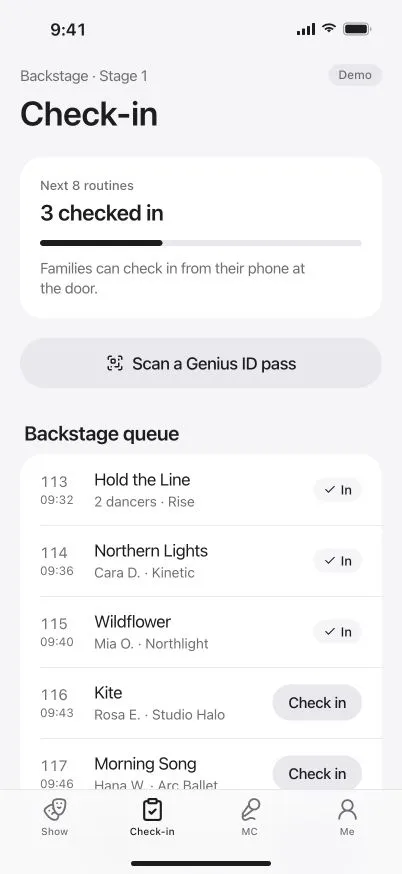
DanceKomp Genius on iPhone: backstage check-in: three of the next eight routines checked in, Scan a Genius ID pass, and the backstage queue in running order. Demo data.
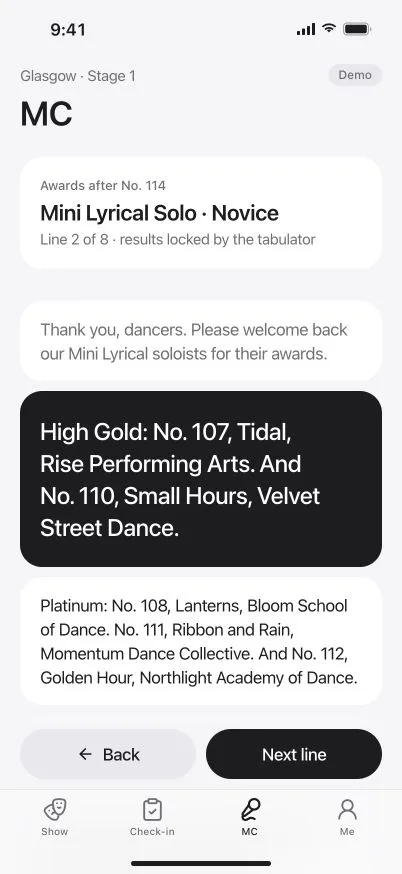
DanceKomp Genius on iPhone: the MC’s awards script after No. 114 for Mini Lyrical Solo, Novice: line by line, with Back and Next line. Demo data.

Stage manager

Run the stage
from one screen.

Call the next routine, hold, swap or set the pace.
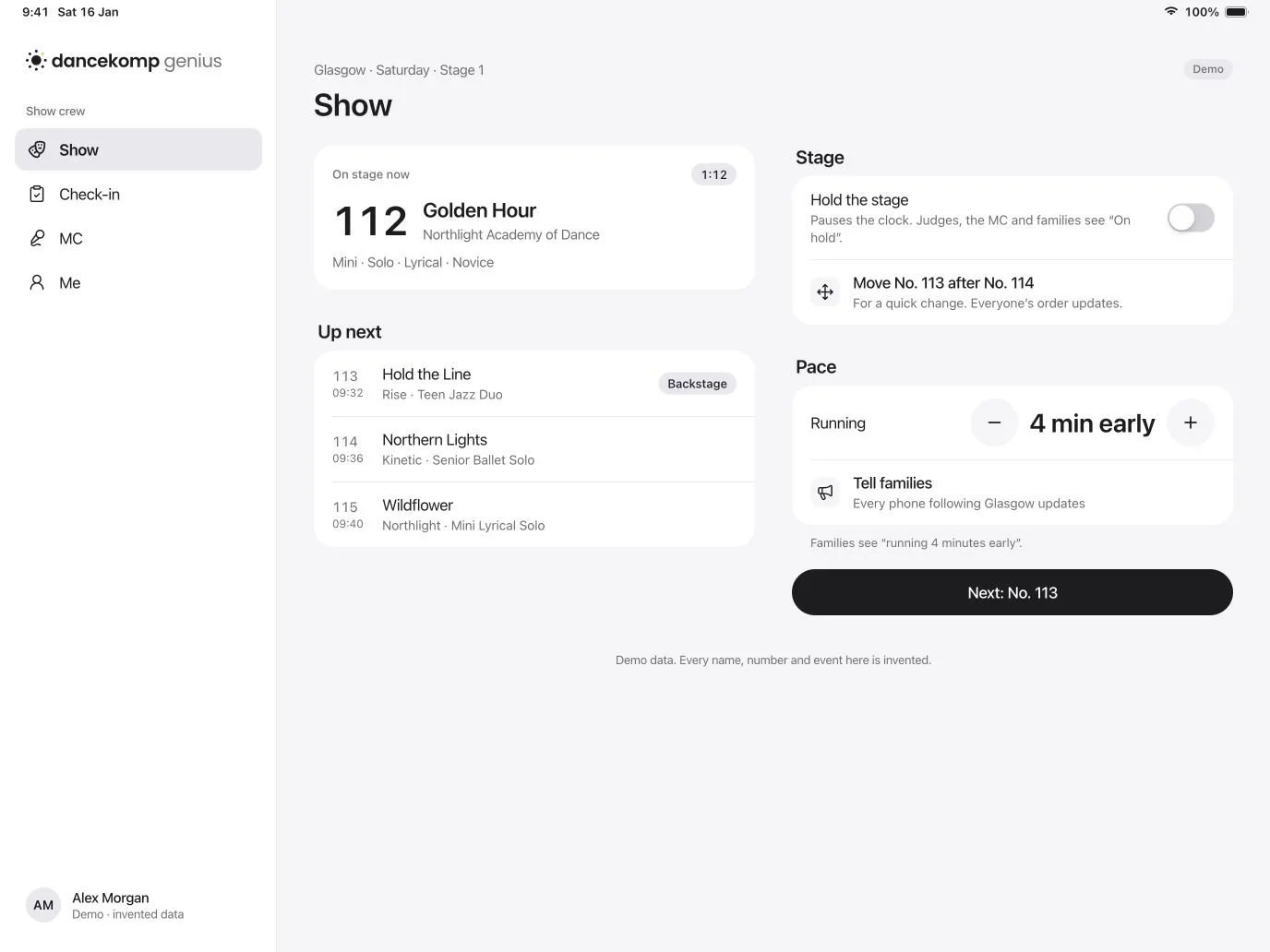
DanceKomp Genius on iPad: show control for Glasgow, Saturday, Stage 1: Golden Hour on stage with its timer, the next three routines, Hold the stage, a move for a quick change, the pace, Tell families and Next: No. 113. Demo data.
  • Call the next routine

    One tap moves the stage on, and every screen follows.

  • Hold the stage

    Judges, the MC and families see “On hold” at once.

  • Tell families

    Set the pace, then tell every phone once you’re sure.

Backstage

Know who’s here
before they’re on.

Check in each routine as dancers arrive, or scan their Genius ID pass.

DanceKomp Genius on iPhone: Check-in, backstage at Stage 1: three of the next eight routines checked in, Scan a Genius ID pass, and the queue with each routine’s time and dancers. Demo data.
  • Scan a pass

    A dancer’s Genius ID pass checks them in.

  • In running order

    The queue follows the stage, so the next routine is always on top.

  • Families check in too

    From their own phone at the door.

MC

The awards script,
written for you.

When results lock, the script is ready, in order, with names to pronounce.

DanceKomp Genius on iPhone: the MC’s awards script for Mini Lyrical Solo, Novice: award bands, then third, second and first place, a judges’ choice award with how to say the name, and Next line. Demo data.
  • From locked results

    The script appears once the tabulator locks a section.

  • Line by line

    Bands, then placings, then special awards, in order.

  • Names said right

    A pronunciation hint wherever a name needs one.

Tabulation

Tabulation, live.
Results in a tap.

Scores arrive as judges submit. Release in a tap.
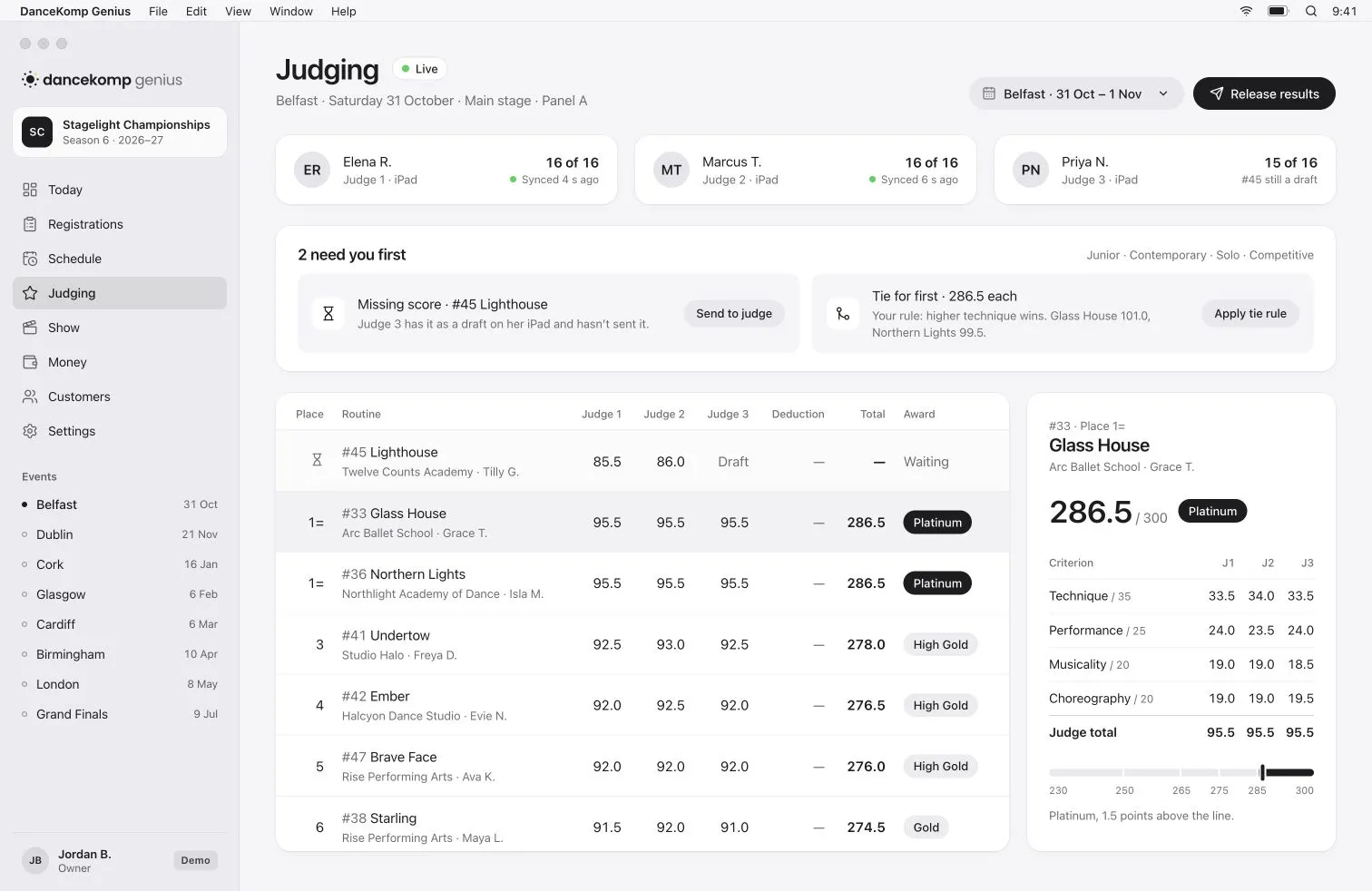
DanceKomp Genius on Mac: live tabulation for Belfast, Panel A: three judges’ progress, a missing score and a tie for first to settle, the division’s totals and award bands, and Release results. Demo data.

Show day kit

Run it all on
the kit you have.

No Windows laptop needed.

  • Show control and tabulation on the Macs, iPads and phones you already have.
  • Keeps working offline and syncs when the connection is back.
  • Roles from the organiser, event by event, on each person’s own Genius ID.
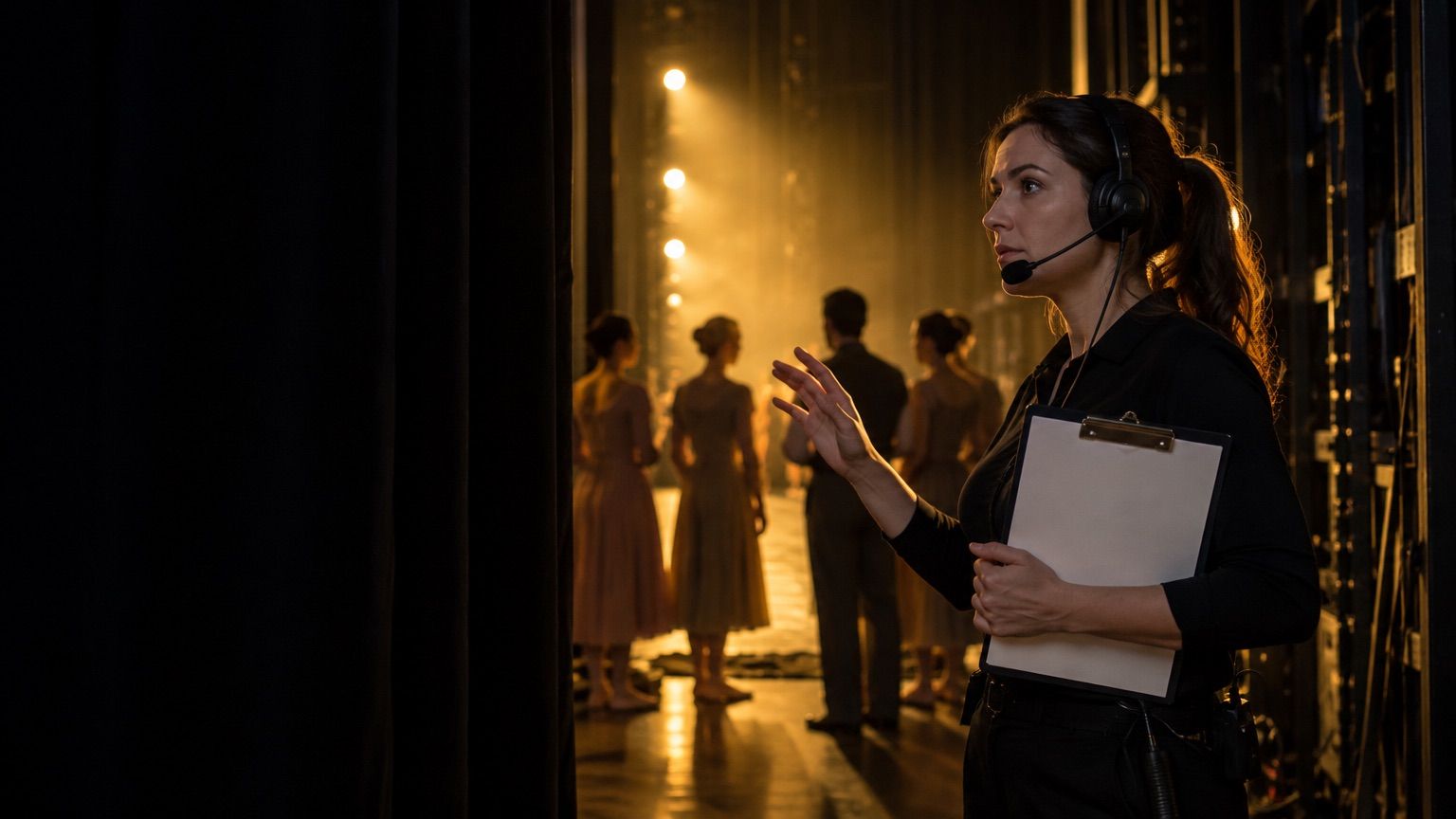
A stage manager with a headset and clipboard in the wings, dancers waiting in silhouette under the stage lights.

Questions

Who can use the crew app?
Anyone the organiser gives a crew role for the event: stage manager, MC or backstage. Roles are set event by event.
What happens if the Wi-Fi drops?
Show control keeps working on the device and syncs as soon as the connection is back.
Do families see a hold straight away?
Yes, on every phone at once. A change of pace waits until you tell families, so they only hear it when you’re sure.
Do we need to install software on a laptop?
No. Show control and tabulation run in the DanceKomp Genius app on the Macs, iPads and phones your team already has.

Your cue is coming.

Set up your Genius ID in a minute.