Judging and tabulation
Live tabulation. No Windows laptop needed.
Judges score on iPad and the results add up as they go.
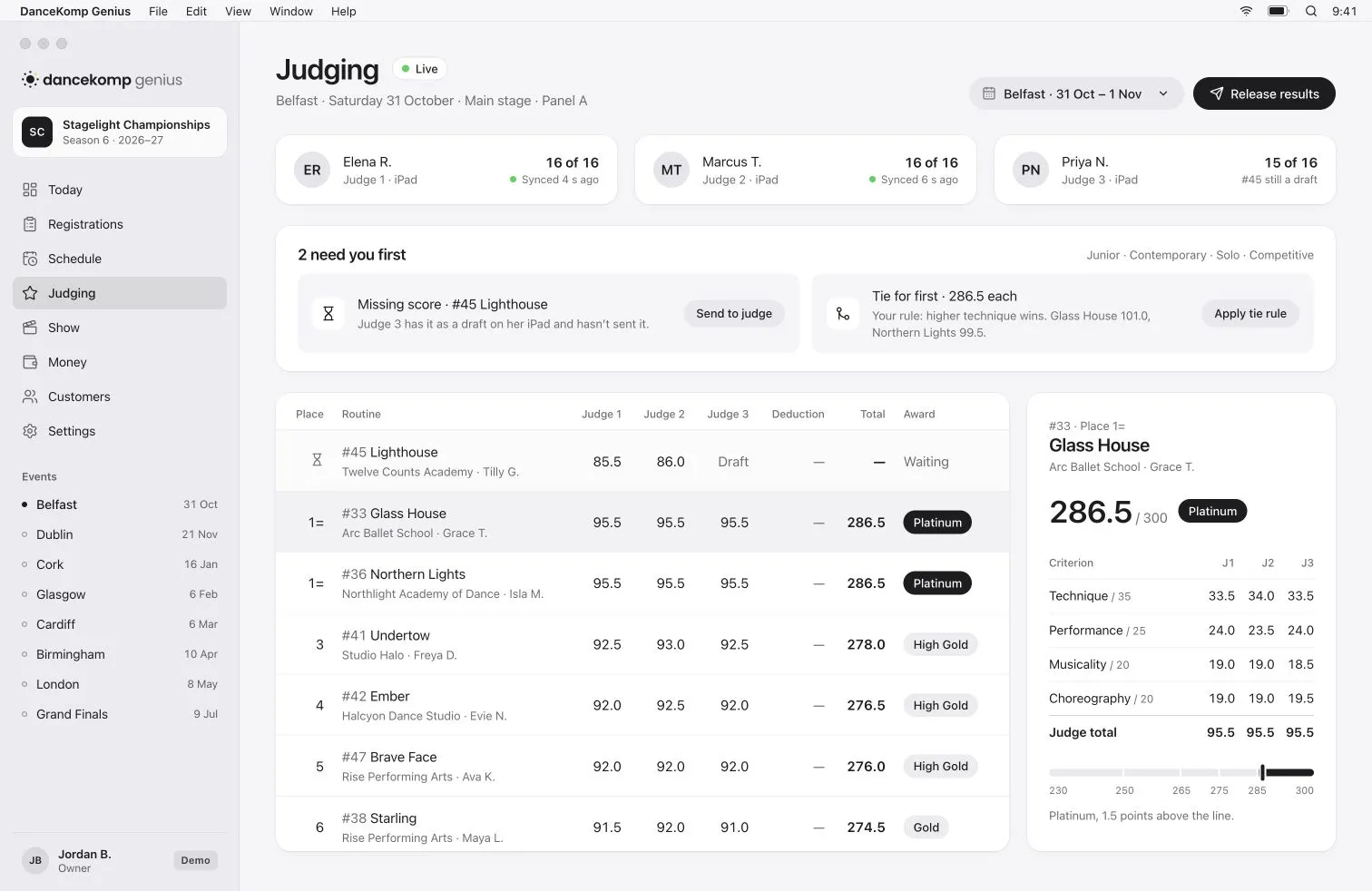

Panels and rubrics
Your rubric.
On every judge’s iPad.
Set the criteria, their marks and the deductions, and each judge sees only their own sessions.
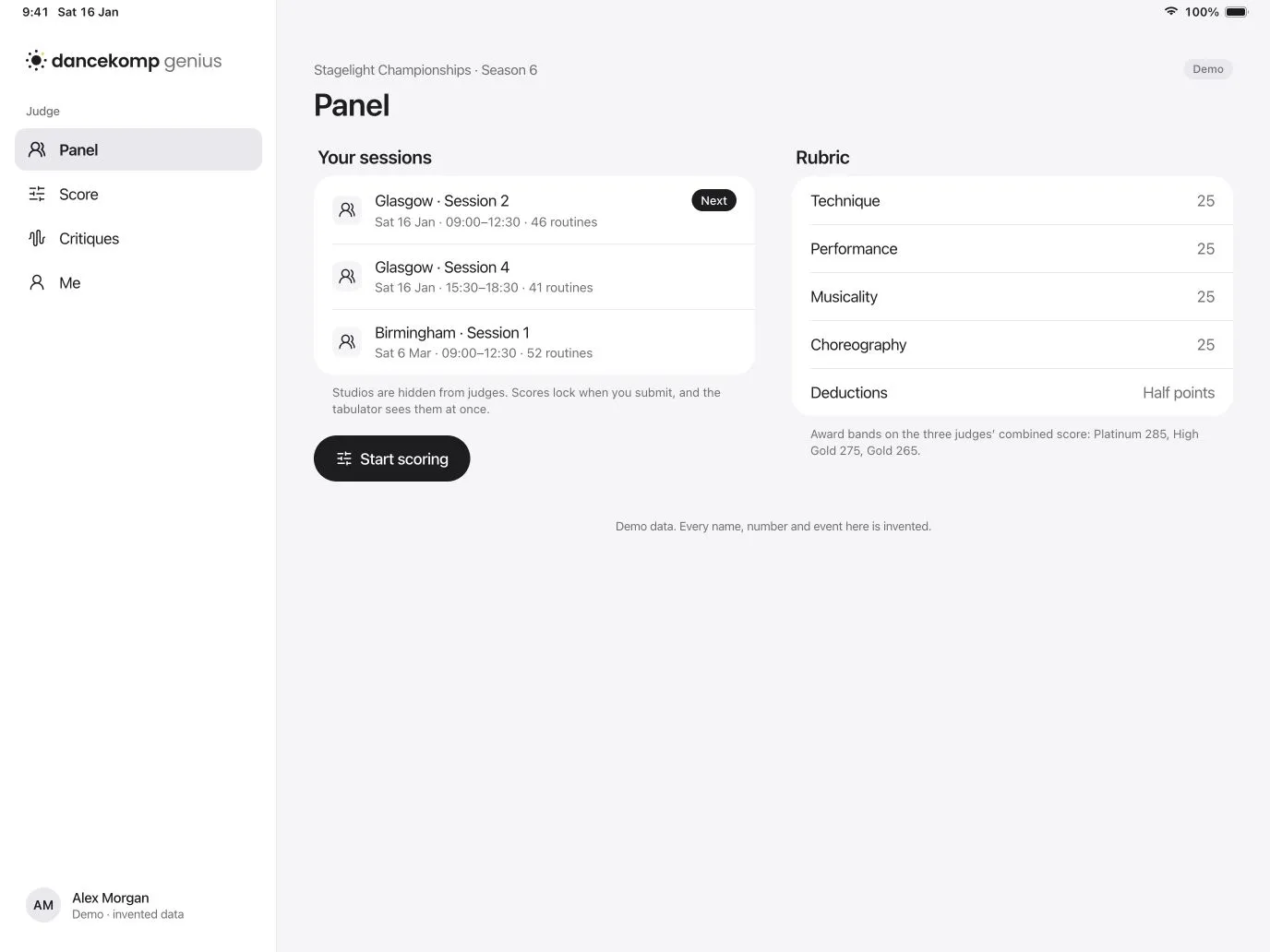

Scoring
Scores keep coming.
Even offline.
Judges keep scoring when the Wi-Fi drops, and every score syncs the moment it’s back.
-
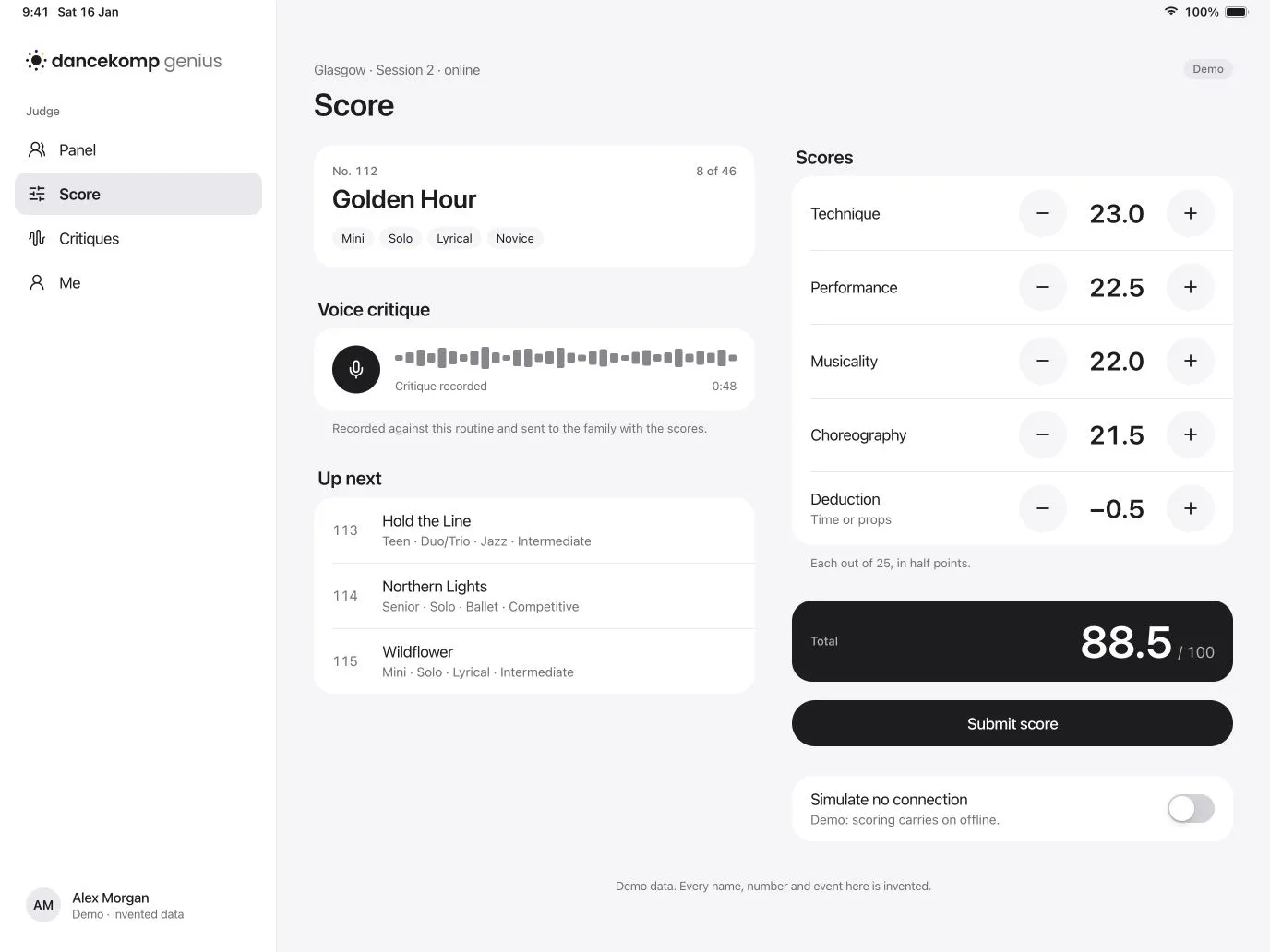
Voice critiques
Judges speak their critique as they score, attached to the routine.
-
Offline, then synced
Scores queue on the iPad and sync by themselves when the connection returns.
-
Nothing goes missing
A score still in draft shows on your board until the judge sends it.
Tabulation
Every rule you run by.
-
Award bands
Set your bands on the combined total. Each routine’s band shows as the last score lands.
-
Placements and ties
Ties are flagged with your tie rule beside them, so a decision takes seconds.
-
Special awards and scholarships
Add special awards and scholarships alongside the placements.
-
Title classes
Run title classes with their own entries and their own results.
-
A record of every score
Who scored what, and when, is kept for each routine.
-
Children first
Public results show first names or initials by default.
Results
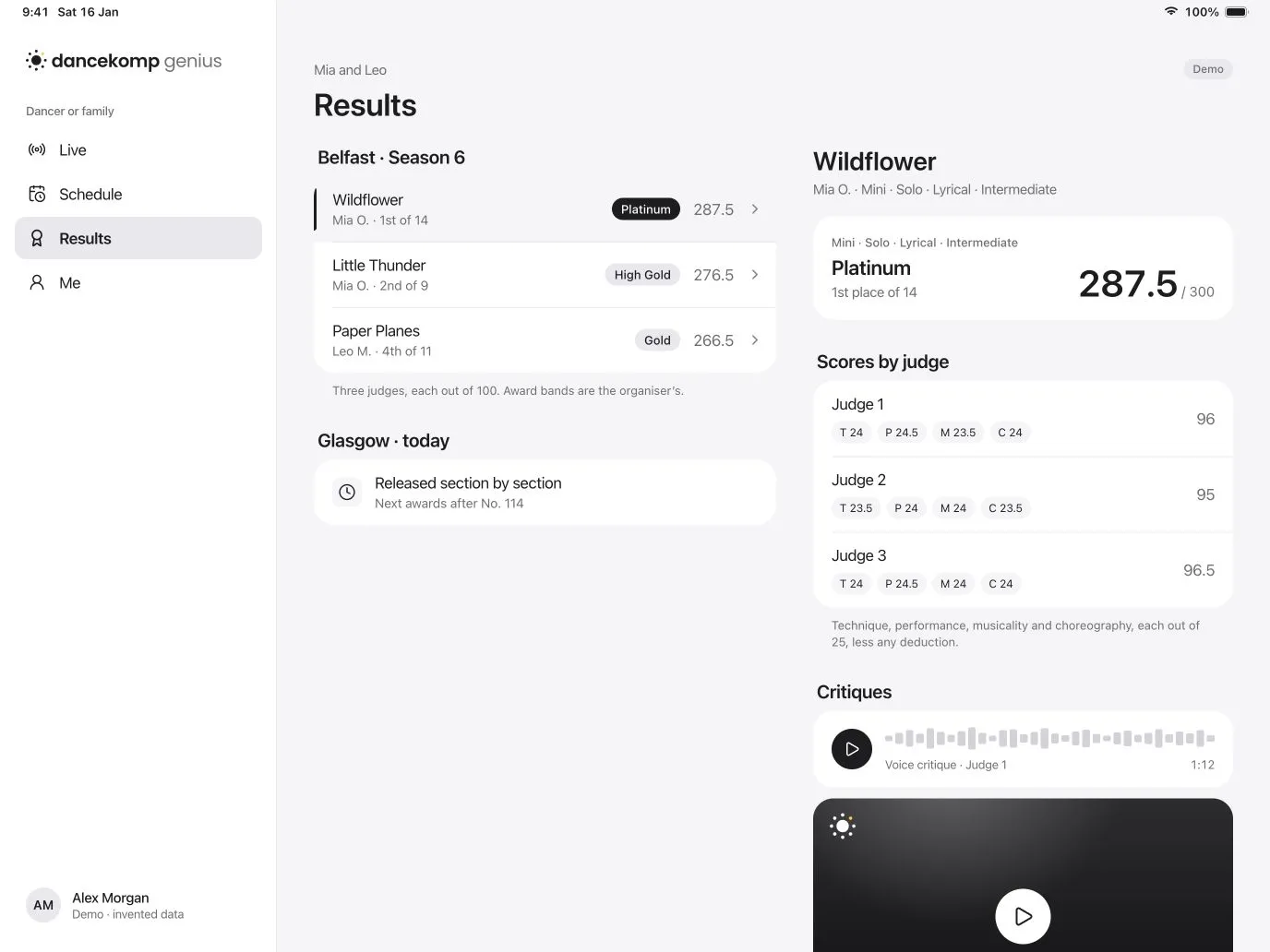
Released when you say.
Critiques that stay.
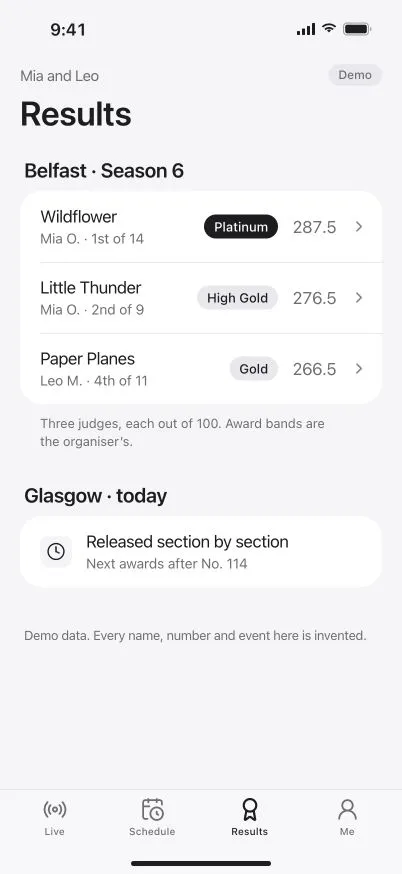
Release a section, and studios and families see each judge’s scores and critiques, kept in their profiles.

Questions
Do we need a Windows laptop for tabulation?
What happens if the venue Wi-Fi drops?
How are ties resolved?
When do studios and families see results?
How are dancers named in public results?
Results without the laptop.
Book a demo, or create your organiser Genius ID and start today.