Genius ID
One ID. Every competition.
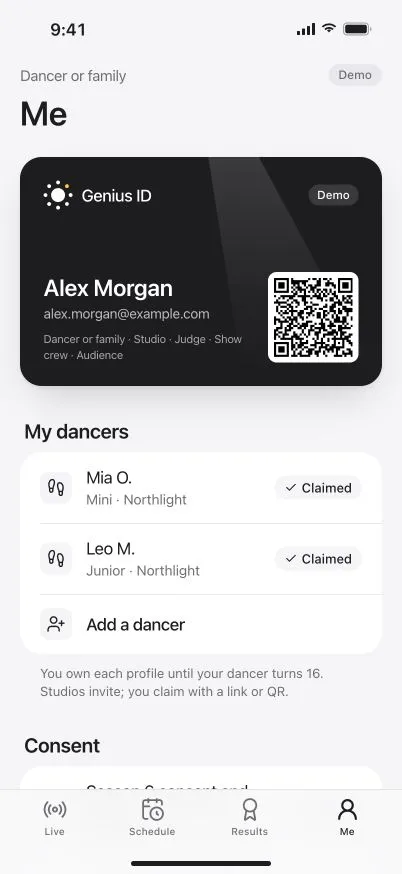
Your own email and a passkey, for every event and every role.
Ready in a minute.
Three steps, once. After that, a glance or a touch signs you in.
- 1
Your own email
Use the address you already have. It becomes your Genius ID, wherever you compete.
- 2
A six-digit code
We email you a code to confirm the address is yours. No links to click.
- 3
A passkey
Face ID, Touch ID or your phone’s screen lock signs you in from then on.
- 4
Every competition
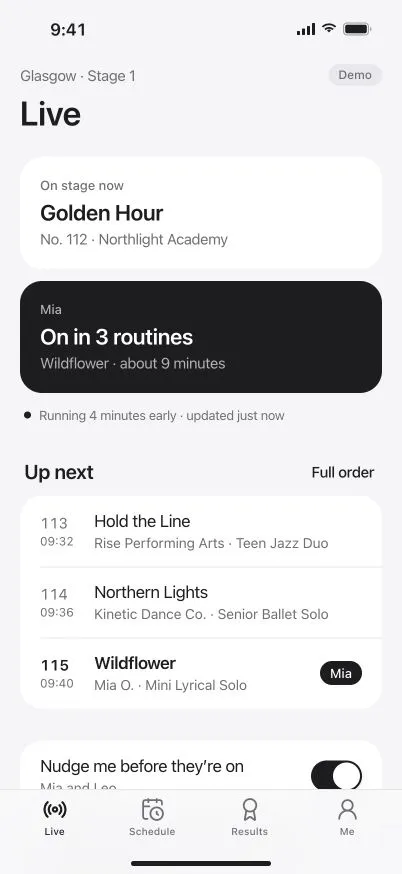
Enter, follow, judge or crew at any competition on DanceKomp Genius.
Every role
One ID for every role.
Switch in a tap.
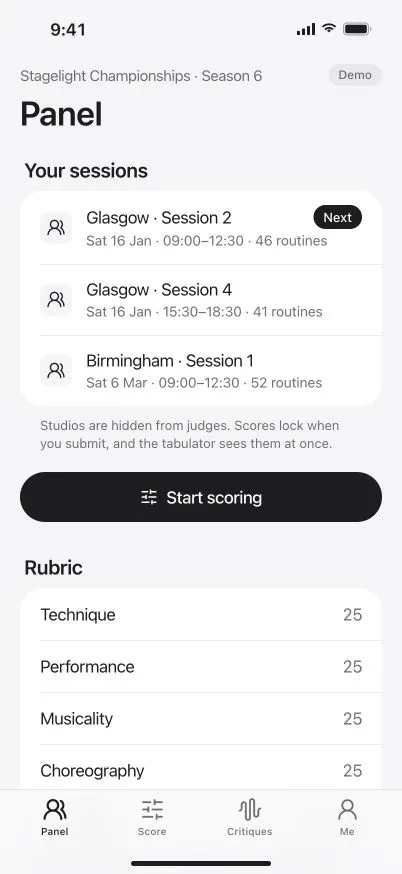
A parent who judges, or a teacher who is also a parent: one sign-in holds them all.
Private by design
Your ID. Your data.
-
No password to steal
Your passkey stays with you, so there is no password on our servers to leak or reuse.
-
Your own email
Never a studio’s or an organiser’s. Your Genius ID stays yours if you change studio.
-
Guardians first
A parent or guardian holds a dancer’s profile until they turn 16.
-
Shared for the job
Organisers see what their event needs. Public results show first names or initials.
-
Lost your phone?
Sign in with a code sent to your email, then add a passkey on your new device.
-
Every screen
The same Genius ID in the app and on the web, with the same passkey.
Questions
What is a passkey?
Does a Genius ID cost anything?
Can my child have a Genius ID?
Do I need a new ID for each competition?
What if I lose my phone?
Can I use it without the app?
Your Genius ID is a minute away.
Your own email, a six-digit code and a passkey. That’s all.