Scheduling
Schedule by rules. Publish in one tap.
Auto-schedule, clear conflicts and every phone in step.
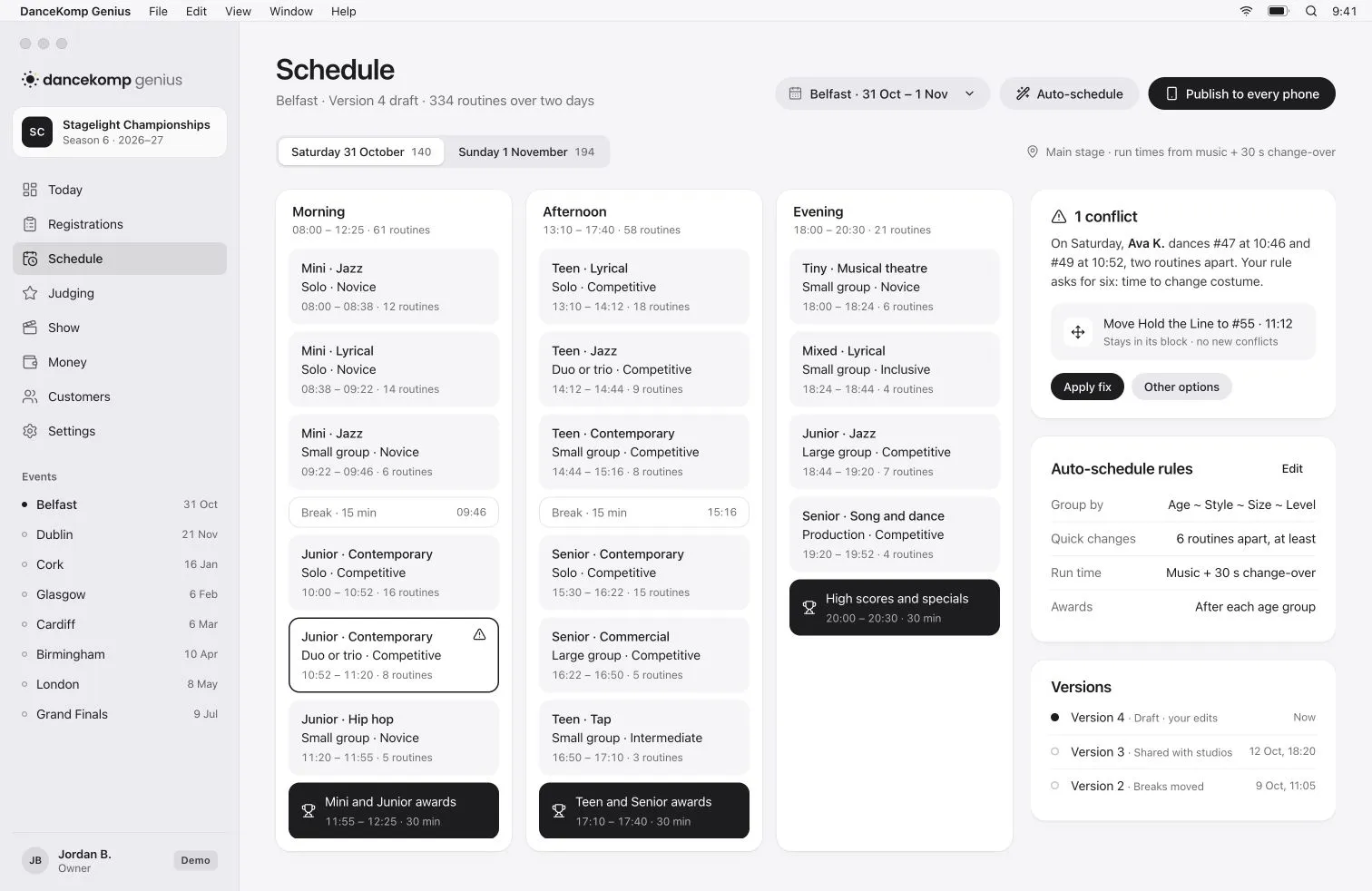

From entries to a running order.
Four steps, and you stay in charge of every one.
- 1
Set your rules
Group by age, style, size and level, keep quick changes apart, and say where breaks and awards go.
- 2
Auto-schedule a draft
Run times come from each routine’s music. Routines you have moved by hand stay where you put them.
- 3
Fix what’s flagged
Each conflict names the dancer and the routines, and offers the move that fixes it.
- 4
Publish to every phone
Studios, families and crew get the new order, and families hear when their times change.
Conflicts
Every clash explained.
With the fix beside it.
When a dancer has two routines too close together, you see who, where and the move that fixes it.
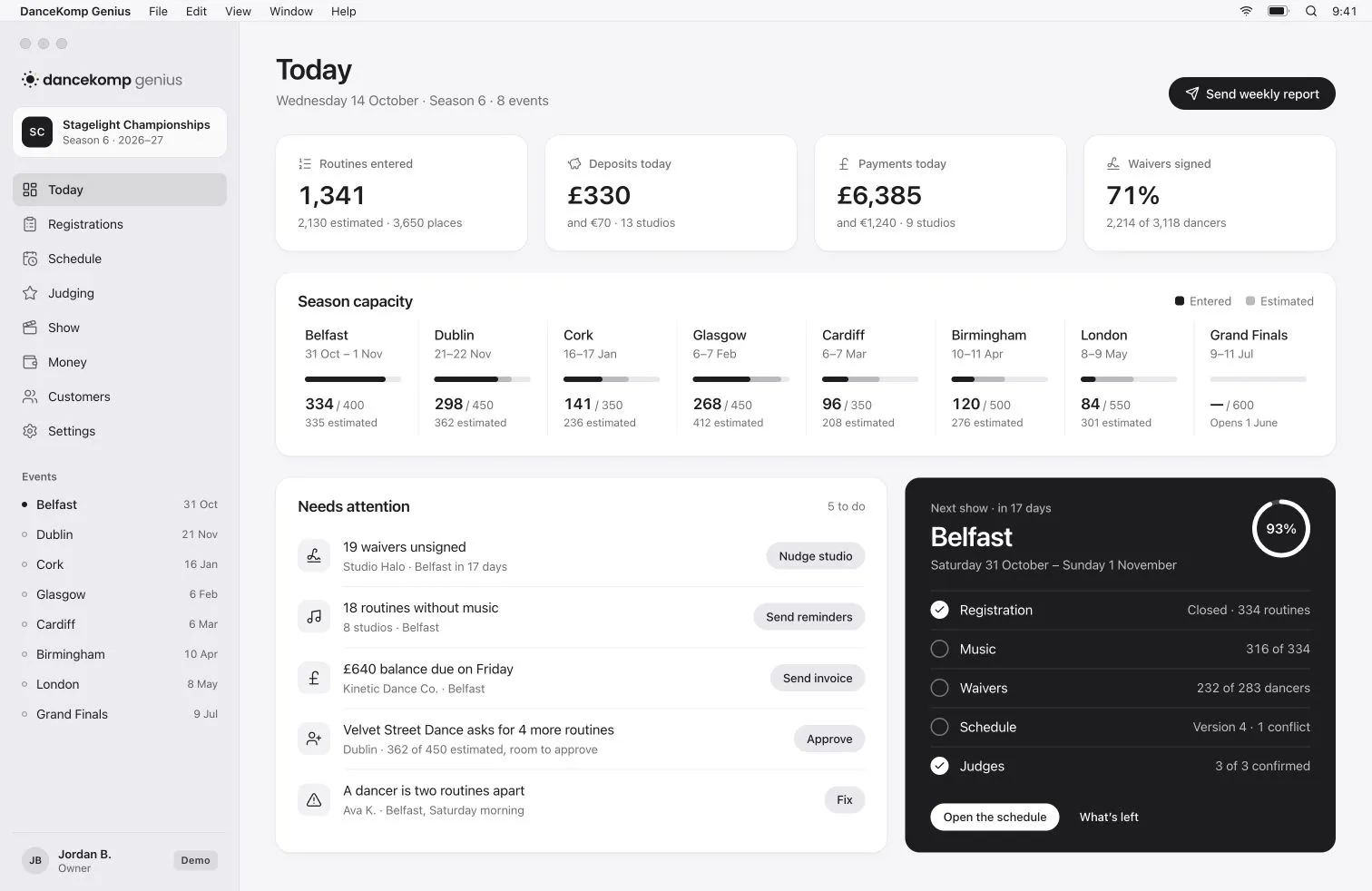
Publish
Publish once.
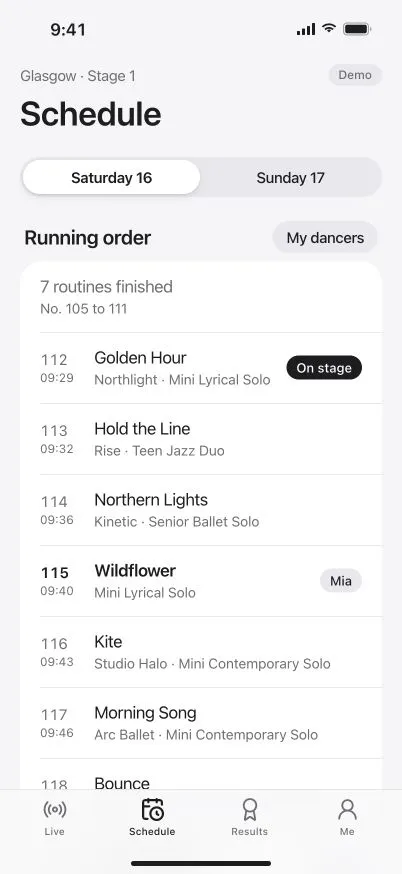
Every phone updates.
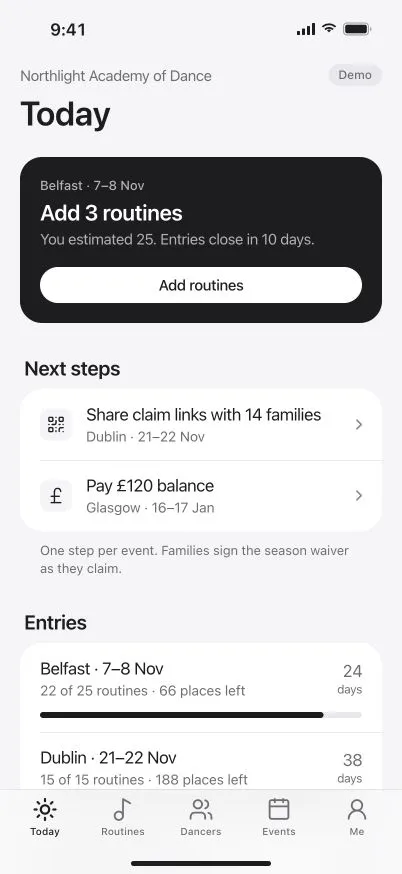
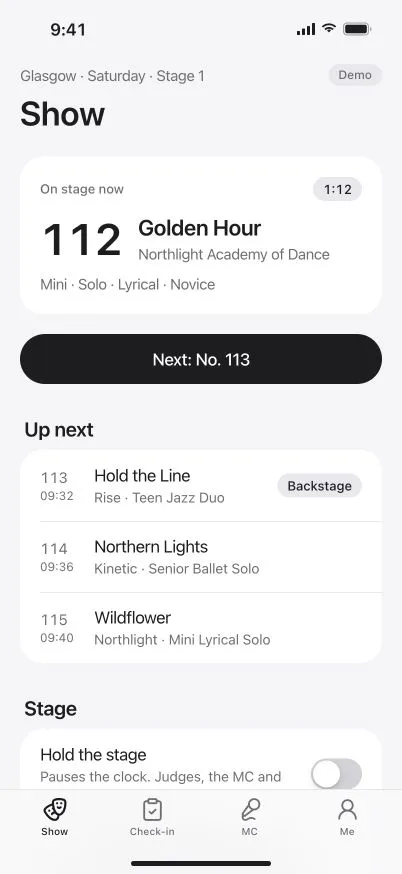
Studios, families and crew get the new order the moment you publish it.

The details
Less shuffling. More certainty.
-
Versions to go back to
Every version is kept with when it was made and why, so you can see what changed.
-
Drag and drop that sticks
Move a routine by hand and auto-schedule builds around it.
-
Breaks and awards in the flow
Lunch, breaks and award ceremonies sit in the running order with their own times.
-
Run times from the music
Each routine’s slot is its music length plus the change-over time you set.
-
Shared with studios first
Send a version to studios to check before it goes to every family.
-
Families told of changes
When a time moves after publishing, the families affected hear about it.
Questions
Can we still move routines by hand?
What happens if the order changes after we publish?
How are run times worked out?
Can we go back to an earlier version?
Your next running order, sorted.
Book a demo, or create your organiser Genius ID and start today.