Help
How can we help?
Answers for every role, and a person when you need one.
Questions
Answers, by role.
Families and dancers
How do I claim my dancer?
Your studio sends you a claim link or a QR code. Open it, sign in with your Genius ID, and your dancer’s profile is yours.
When do I sign consent?
Once a season, on your own phone, as you claim your dancer. It covers every event that season, and you can change it at any time. How consent works
How do I know when my dancer is on?
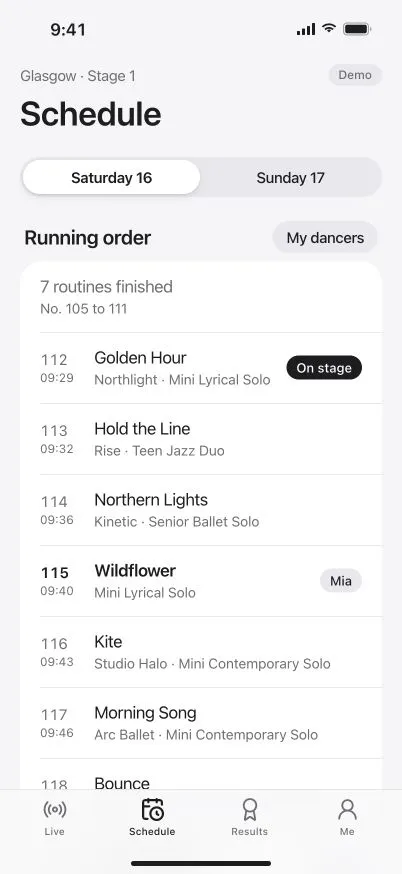
Open Live on the day. You’ll see what’s on stage, whether the show is running early or late, and get a nudge before your dancer goes on.
Where are scores and critiques?
In Results, as the organiser releases each section, and kept in your dancer’s profile. No access codes.
Studios
How do we enter a competition?
Find the event, choose your routines and send the entry. Your dancers and routines carry over from one event to the next. Find a competition
What if we change an entry after sending it?
Your entry stays sent. The change goes to the organiser as a request, and your balance updates when they approve it.
How do we get our music in?
Upload each routine’s music from your phone or computer. We check its length against the time limit for you.
Can our teachers have their own access?
Yes. Invite teachers from your studio passport; each signs in with their own Genius ID.
Judges
How do I join a panel?
The organiser invites you with a code. Your sessions appear in Panel, with the rubric for each.
What if the Wi-Fi drops?
Keep scoring. Scores and critiques stay on your iPad and sync as soon as the connection is back.
Do judges see which studio a routine is from?
No. Studios are hidden from judges: you see the routine number, its title and its division.
Crew
How do I get access for the day?
The organiser gives your Genius ID a role for each event: stage manager, MC or backstage.
How do families hear about a delay?
When the stage manager tells families, every phone following the event updates at once.
Does show control work without signal?
Yes. Show control keeps working offline and syncs when the connection returns.
Organisers
How do we move from our current system?
We import your data, set up your first event with you and support you on the day, free. How switching works
What does it cost?
£2.50 per routine entered, with everything included, and a season price for 10 or more events. These prices are draft. Pricing in full
Can we see it first?
Yes. Book a demo and we’ll walk you through a season, from entries to results. Book a demo
Genius ID and account
I’ve lost my phone. How do I sign in?
Sign in with a code sent to your email, then add a passkey on your new phone.
Can one Genius ID hold several roles?
Yes. A teacher who is also a parent, or a parent who judges, switches roles in a tap. About Genius ID
How do I get a copy of my data, or delete it?
Write to us from the email on your Genius ID and ask for a copy, or for it to be deleted. Email support
On the day
Most answers are
already in the app.
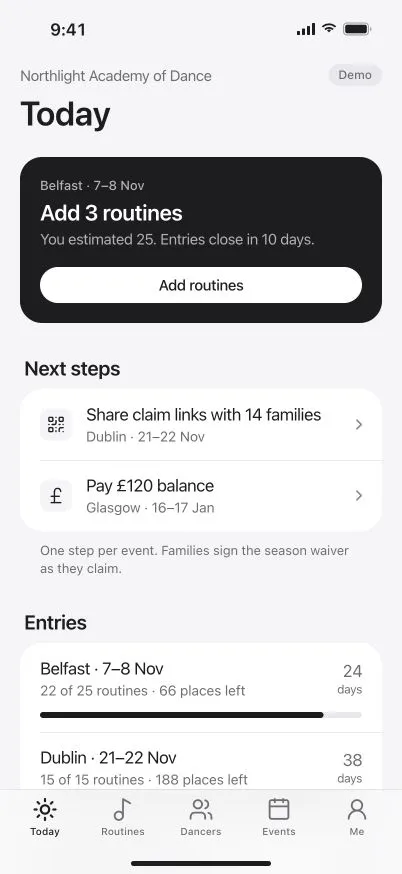
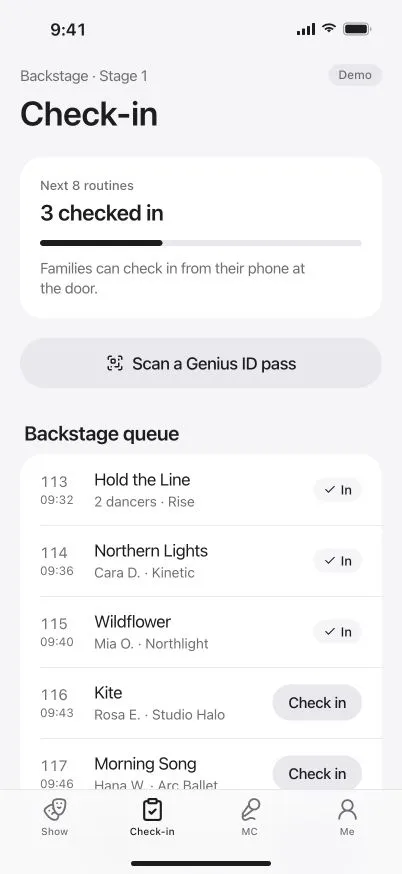
When your dancer is on, what your studio needs next, who to check in: one tap away.

Contact
Still need help?
Talk to a person.
Tell us your role and what you need, and we’ll take it from there.
-
Email support
For families, studios, judges and crew. Write from the email on your Genius ID, so we can find your account.
support@
dancekompgenius.com -
For organisers
See DanceKomp Genius with your own season, or ask about moving from your current system.
-
A safeguarding concern
If a child is in immediate danger, call 999 or 112. For a concern about a child’s safety or data in DanceKomp Genius, email support and say it’s about safeguarding.
New to DanceKomp Genius?
Create your Genius ID in a minute with your own email and a passkey.