Video and photos
Relive it. Share it. Keep it.
Video and photos, filed under each routine.

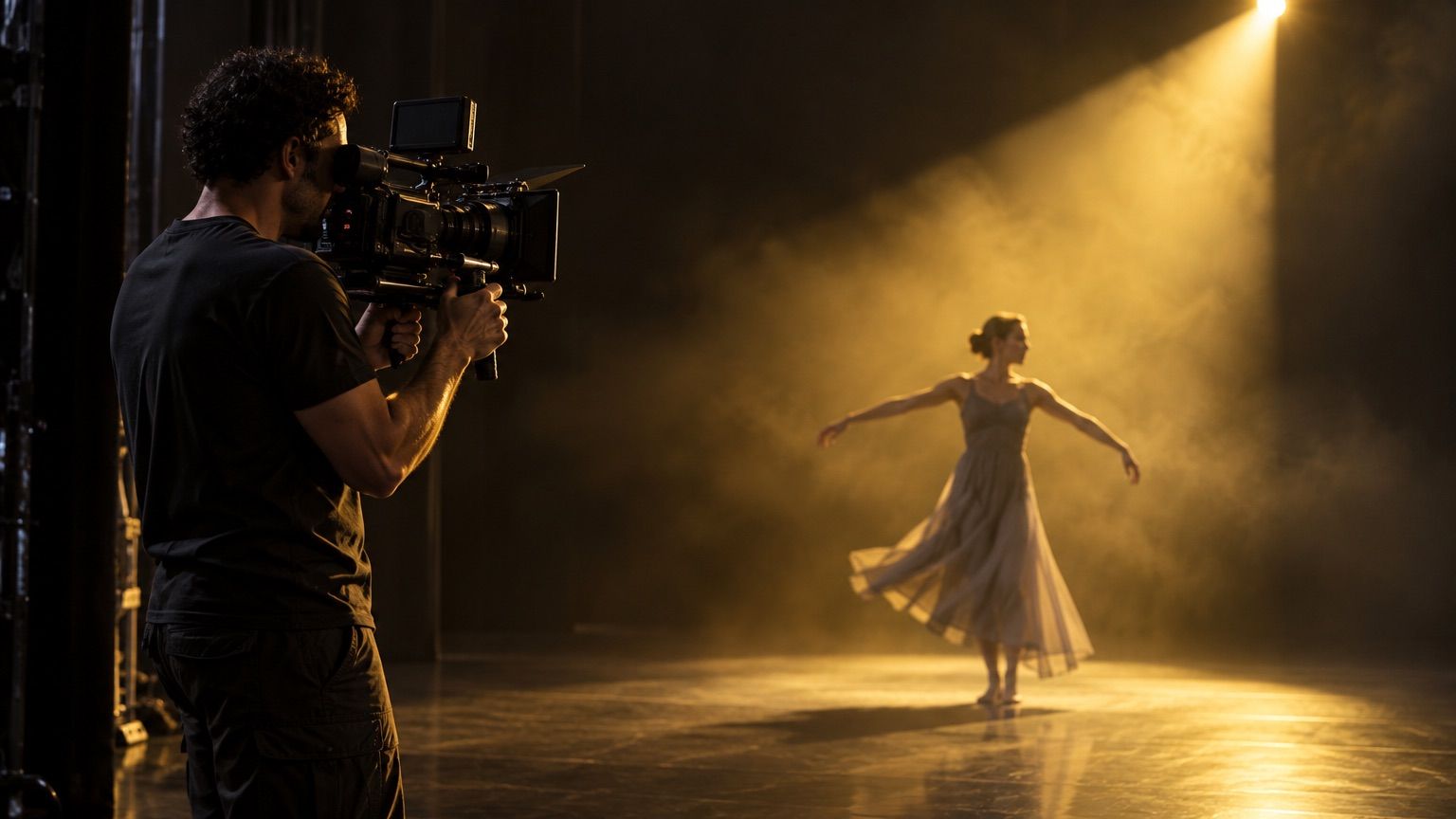
Filmed on the day
Filmed on stage.
Filed by routine.
Video lands under the routine it belongs to.
- No scrubbing through a whole session to find two minutes.
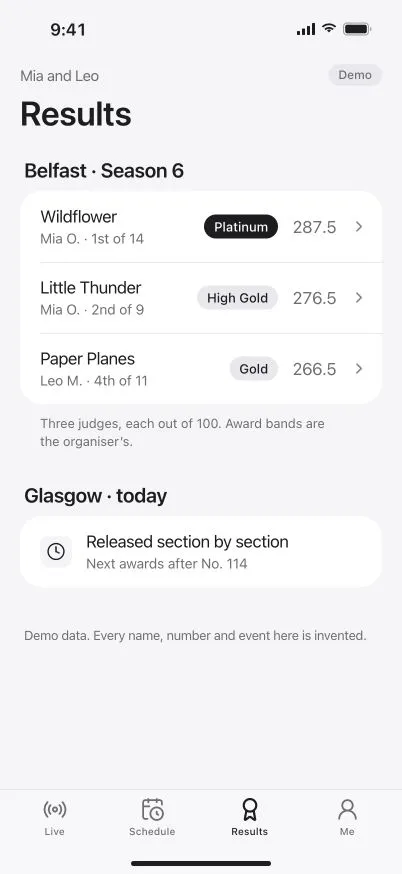
- Beside the result and the critiques, on one page.
- In your dancer’s profile, with everything else from the season.
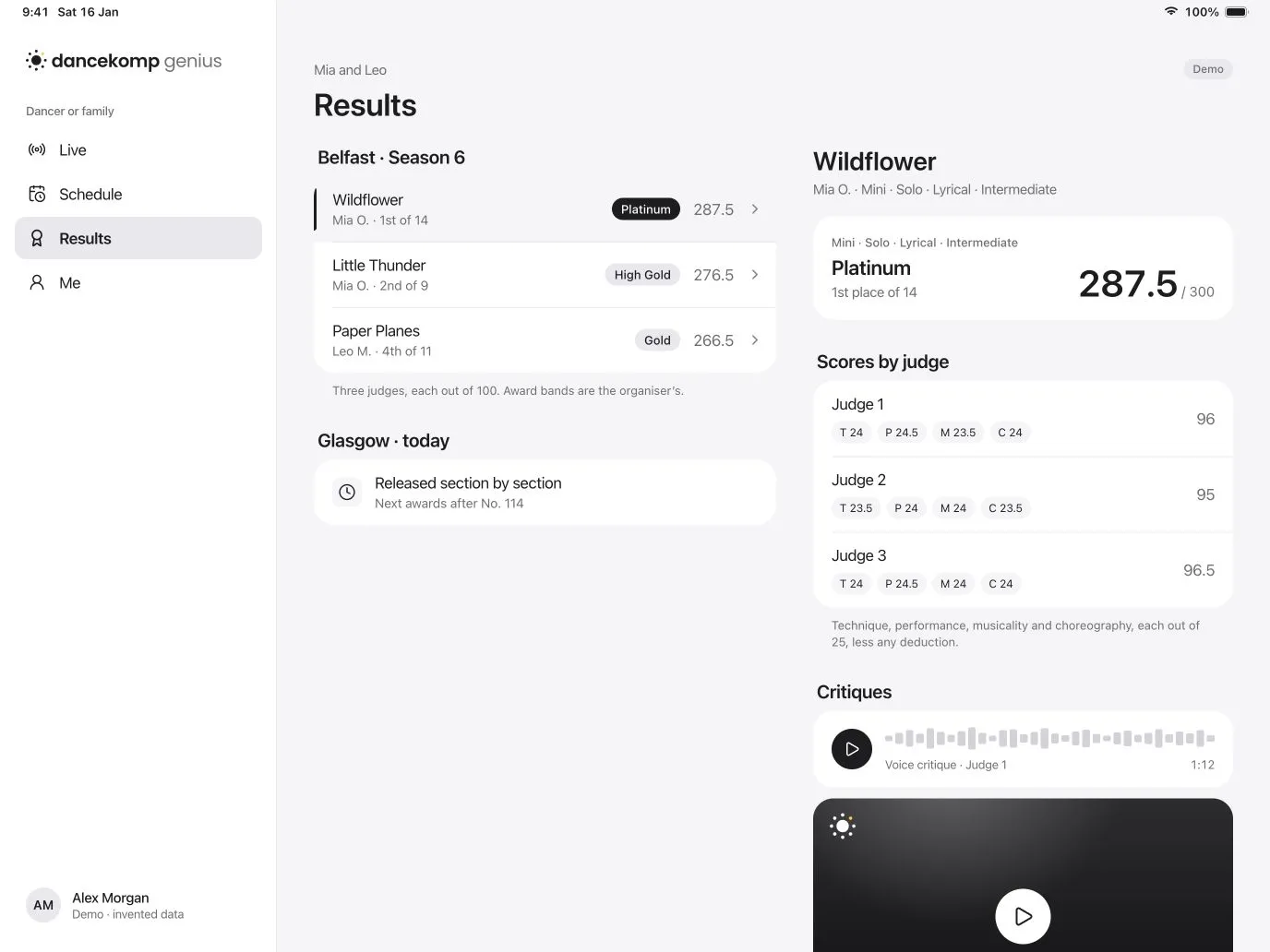
One page per routine
Find it by routine,
not by the hour.
Each routine has one page for its result, its critiques and its media.

-
Performance video
Where the organiser films, the video joins the routine’s page.
-
Photos
Photos from the day sit with the routine they were taken at.
-
Critiques too
The judges’ voice and video critiques, kept with the rest.
Fair and clear
Clear prices. Yours to share.
-
The price up front
Where the organiser sells video or photos, you see the price before you choose.
-
Always optional
Live, results and critiques never depend on buying anything.
-
Share with family
Send a clip to grandparents from the routine’s page.
-
Download to keep
Save a copy of the moments you want to keep.
Permissions
Your dancer.
Your permissions.
You choose who sees photos and video.
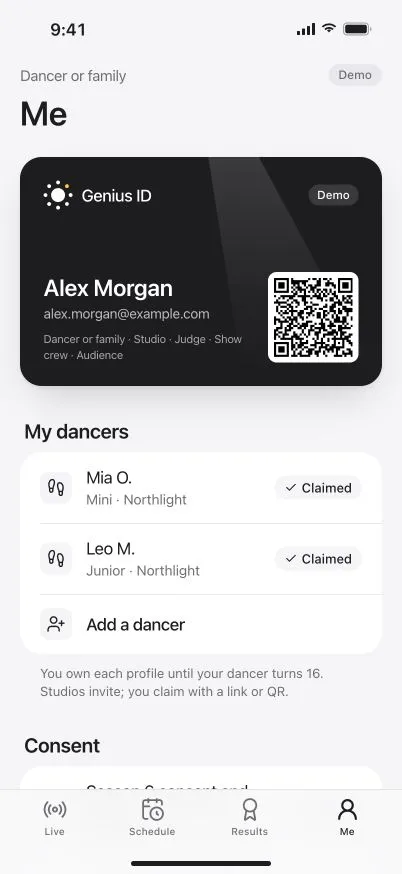
- Set once a season, with the consent you sign as you claim.
- Family only, or family and studio, as you prefer.
- Change it any time from Me in the app.
Questions
Do I have to buy video to see results or critiques?
No. Results and critiques come free with your family’s Genius ID. Video and photos are optional, where the organiser offers them.
How much does video cost?
Each organiser sets their own prices, and you see them before you choose. DanceKomp Genius charges organisers no per-video fees.
Who can see videos of my child?
You decide when you sign the season’s consent, and you can change it any time. Public results show first names or initials only.
Can I share a video?
Yes. Share it with family from the routine’s page, or download a copy to keep.